How to Use a Kanban Board to See Your Project at a Glance
A simple board with three columns turns a foggy project into something you can see, move, and finish, one card at a time.

The 30-second version
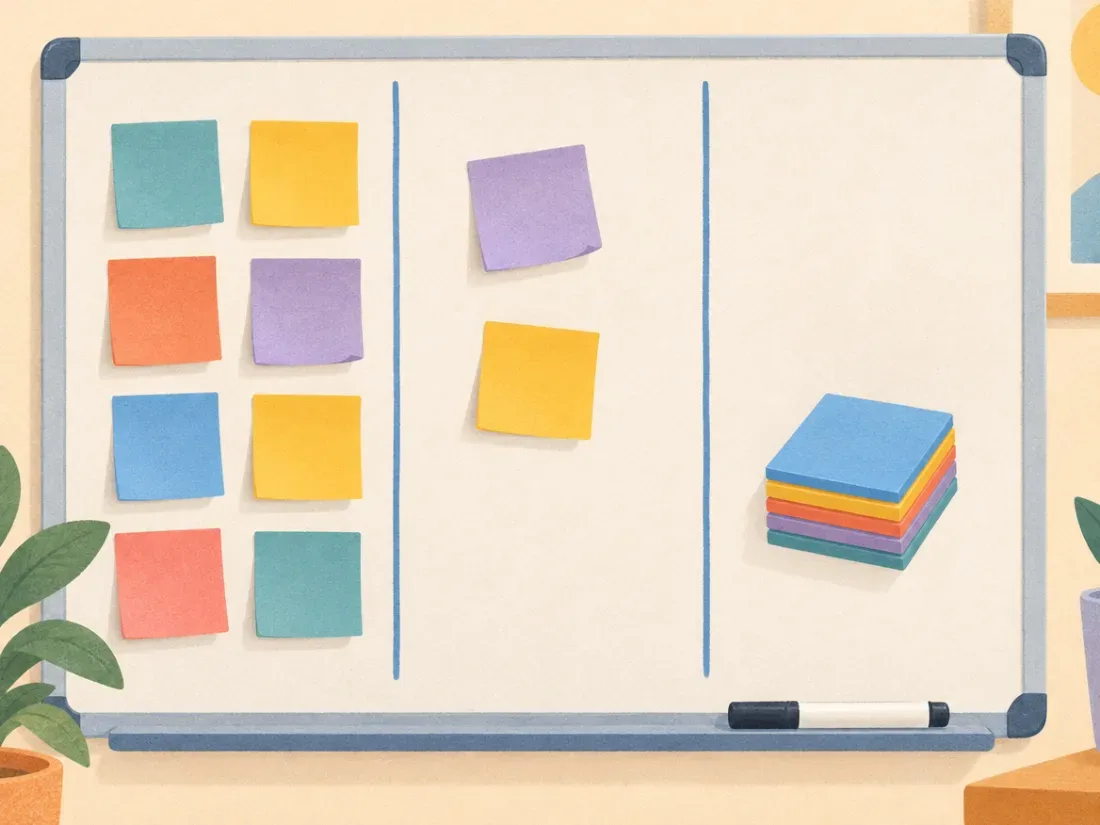
- A kanban board is just columns like To Do, Doing, and Done, with one card for each small task that moves left to right as you work.
- Keep the Doing column tiny, often one to three cards, so you finish things instead of juggling them.
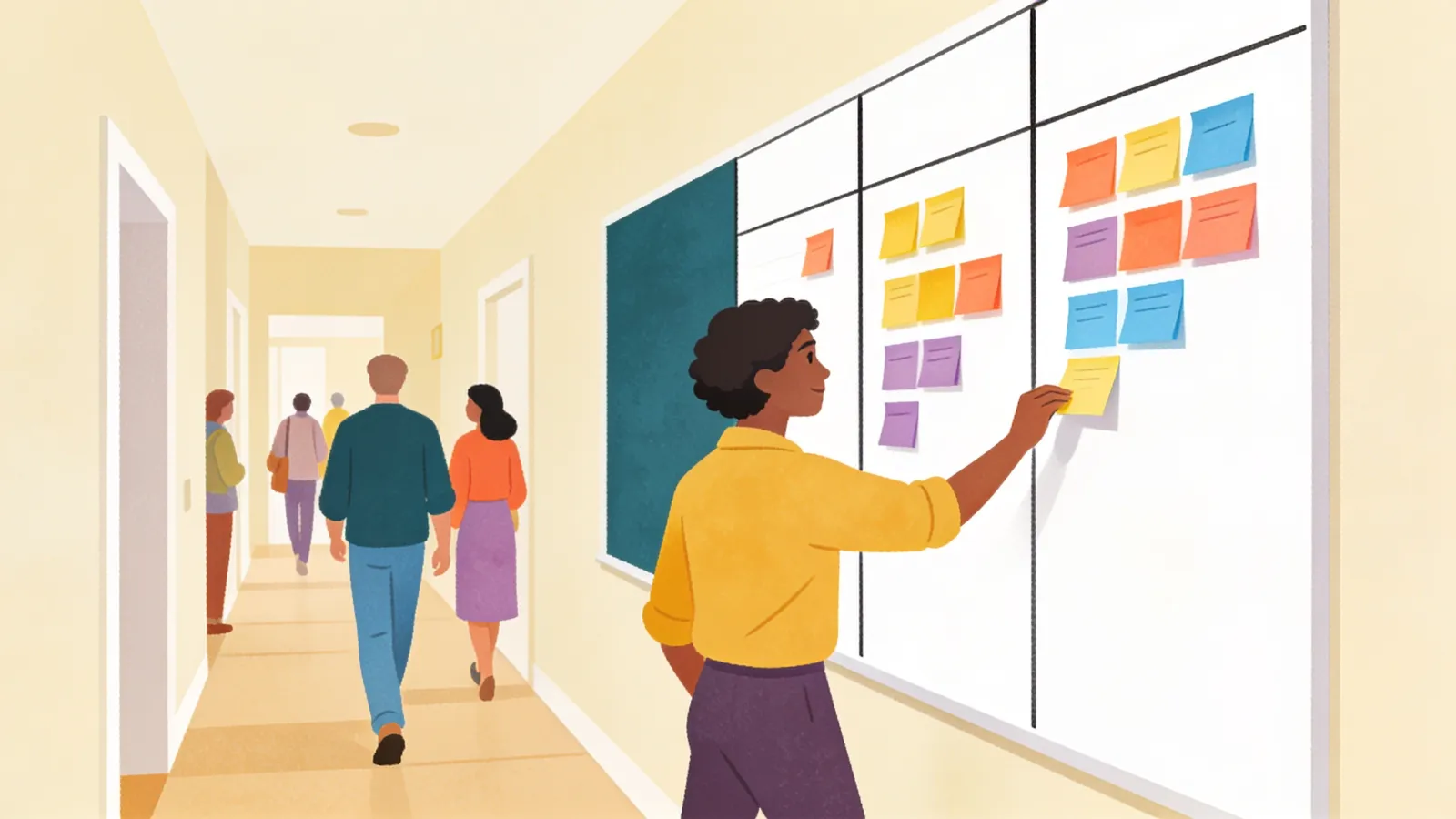
- Put the board where you will see it, update it in a quick daily glance, and let the Done column remind you that progress is real.
When a project lives only in your head, it is easy to lose track of what is next and what is already done. A kanban board puts the whole project in front of you, so you can see where things stand in a few seconds. This guide shows you how to set one up on a wall or in an app and keep it working without a lot of upkeep.

How to set up a kanban board, one step at a time
Tick each step as you go. Your progress is saved on this device.
Paper kanban board or app kanban board?
| Compare | Paper board | App board |
|---|---|---|
| Best for | Working mostly in one spot | Working in several places |
| Visibility | Always in sight on the wall | Only when you open the app |
| Setup time | About 10 minutes | About 10 minutes |
| Satisfying moves | Physically moving a note | Drag and drop, plus a record |
| Watch out for | Notes falling off or fading | Board getting hidden in a tab |
Watch
Read more
- Yes You Kanban: The Complete Guide to Boards-Based Project Management Todoist
A friendly walkthrough of personal kanban for solo projects like a home renovation or job search, with tips on keeping the Doing column small.
- What is a kanban board? Atlassian
Clear basics on cards, columns, and work-in-progress limits, plus why a limit is an early warning that you have taken on too much.
- Kanban explained: Agile boards, cards & WIP limits Asana
Explains how limiting work in progress cuts down on multitasking and nudges you to finish tasks before starting new ones.
Tools that help
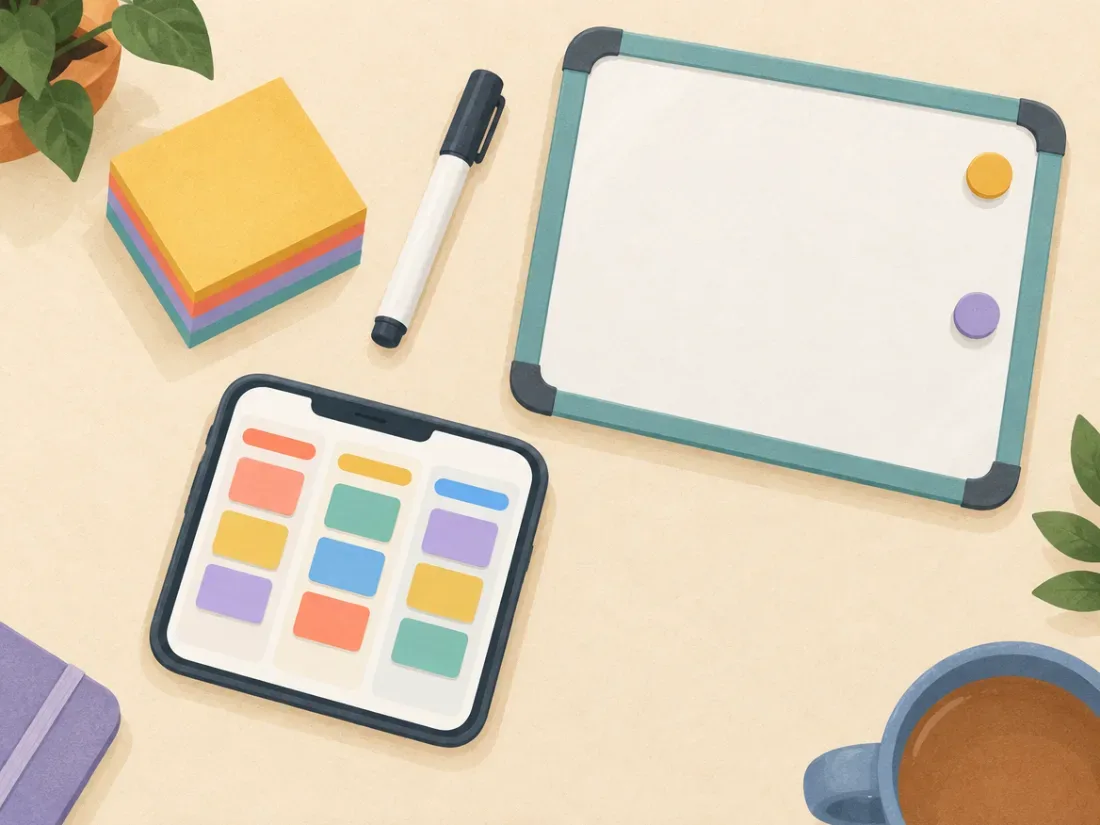
- Sticky notes and a wall or whiteboard
The simplest board there is. Physically moving a note to Done is satisfying and hard to ignore.
Find on Amazon - Magnetic dry erase board
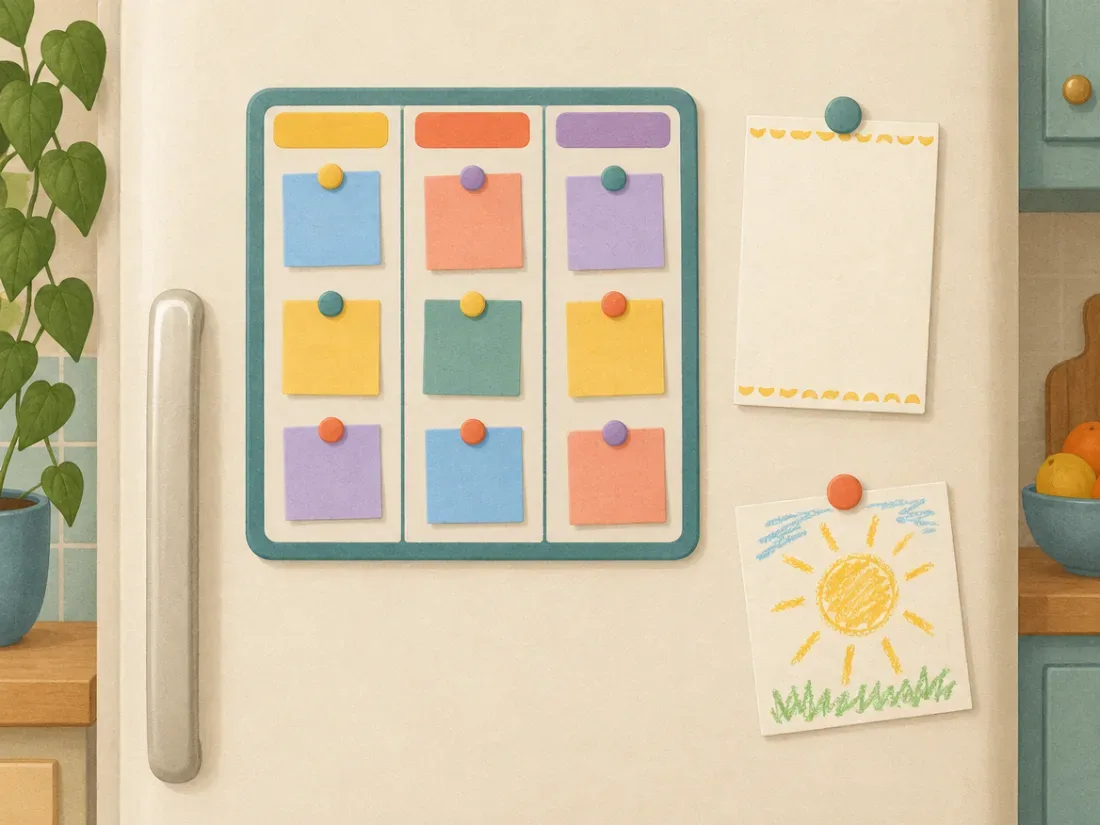
Gives a paper board a permanent home on the fridge or wall, with columns you can redraw anytime.
Find on Amazon - Trello
A free digital board app with drag-and-drop cards, handy if you want your board on your phone and computer.
Visit site
Common questions
How many columns should my board have?
Start with three: To Do, Doing, and Done. Only add a column if you find yourself needing it again and again, like Waiting On for tasks that depend on someone else.
What if my To Do column gets huge and overwhelming?
Move most cards into a separate Someday or Backlog area that you only look at during a weekly check-in. Keep just the next handful of tasks in To Do so the board feels calm.
Is a kanban board good for ADHD?
Many people with ADHD find visual systems helpful because tasks stay in sight instead of slipping out of mind. It is not a treatment and this is not medical advice; if focus struggles are affecting your life, a clinician can help you explore options.
This guide shares practical ideas, not medical advice. Videos and articles belong to their creators; we link to them because they explain things well.