The Best Pomodoro Timer Apps and Physical Timers, Ranked
Seven Pomodoro timer picks, from free browser apps to flip cubes you can hold, ranked by how easily they get you started and keep you going.

The 30-second version
- A good pomodoro timer makes starting easy: one tap or one flip, then you work until it rings.
- Apps are great for tracking and blocking distractions; a physical pomodoro timer stays visible when your phone is the problem.
- You do not have to stick to 25 minutes. Shorter blocks are a fine place to start, and any finished block counts.
A pomodoro timer is the simplest focus tool there is: you set it, work on one thing until it rings, then rest. According to Todoist, Francesco Cirillo came up with the method as a student using a tomato shaped kitchen timer, which is where the name comes from, since pomodoro is Italian for tomato. Below are seven timers we like for ADHD brains, apps first, then ones you can hold, and if you want to tune the method itself, our guides to the Pomodoro Technique for ADHD and visual timers and time blindness go deeper.

How to choose a pomodoro timer, step by step
Tick each step as you go. Your progress is saved on this device.
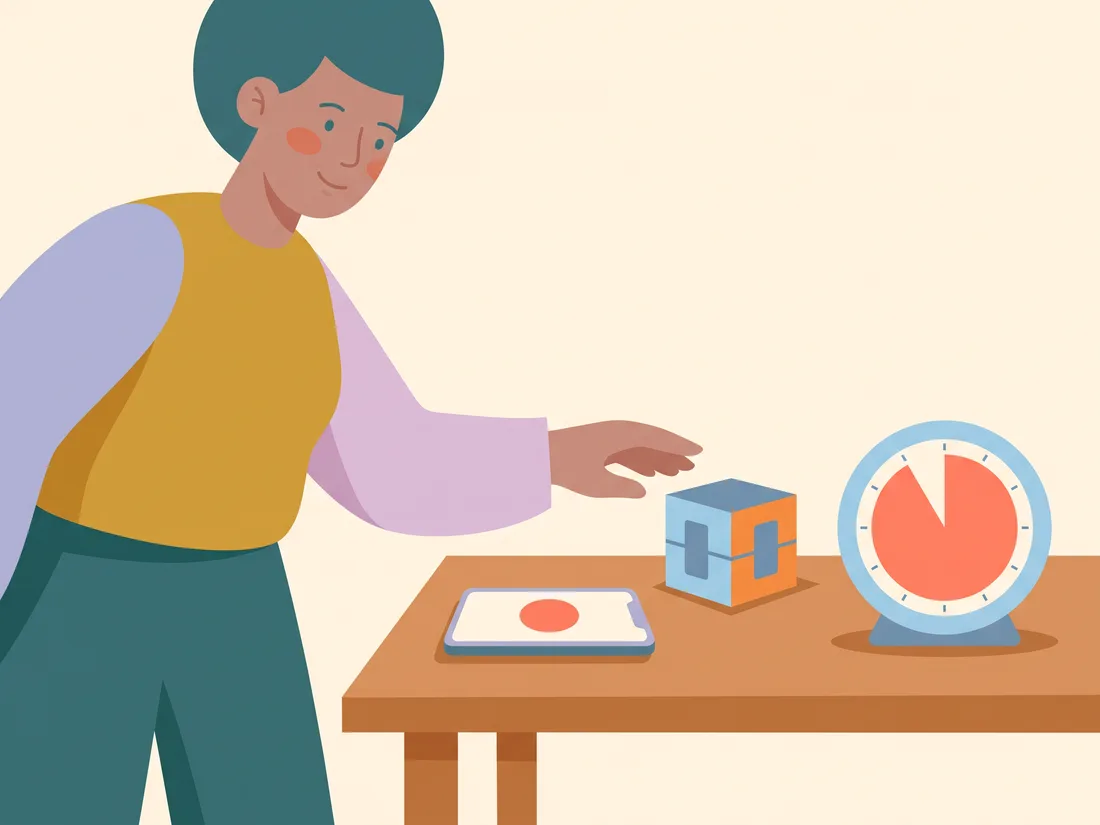
App or physical pomodoro timer: which fits you
| Kind of timer | Good at | Watch out for | Picks to try |
|---|---|---|---|
| Browser timer | Starting in one click while you work at a computer | Easy to lose in a sea of tabs | Pomofocus |
| Phone app | Blocking distractions and tracking focus over time | Opening the phone can lead to scrolling | Forest, Flow |
| Timer inside a to do app | Starting a round right from the task | Lots of features can feel busy | TickTick, Focus To-Do |
| Flip timer | Starting with no screen at all | Preset times only on some sides | Ticktime Cube |
| Visual disk timer | Seeing how much time is left from across the room | Fewer settings than an app | Time Timer |
Videos worth a watch
Further reading
- The Pomodoro Technique Todoist
Where the method came from, the classic 25 and 5 minute rhythm, and the longer break after four rounds.
- Pomodoro Timer ADDA
A free online timer from the Attention Deficit Disorder Association, with ADHD tips for each step.
- Pomodoro Technique for ADHD Kids: How to Structure Homework ADDitude
Ideas for shorter blocks and movement breaks that work for grown ups too.
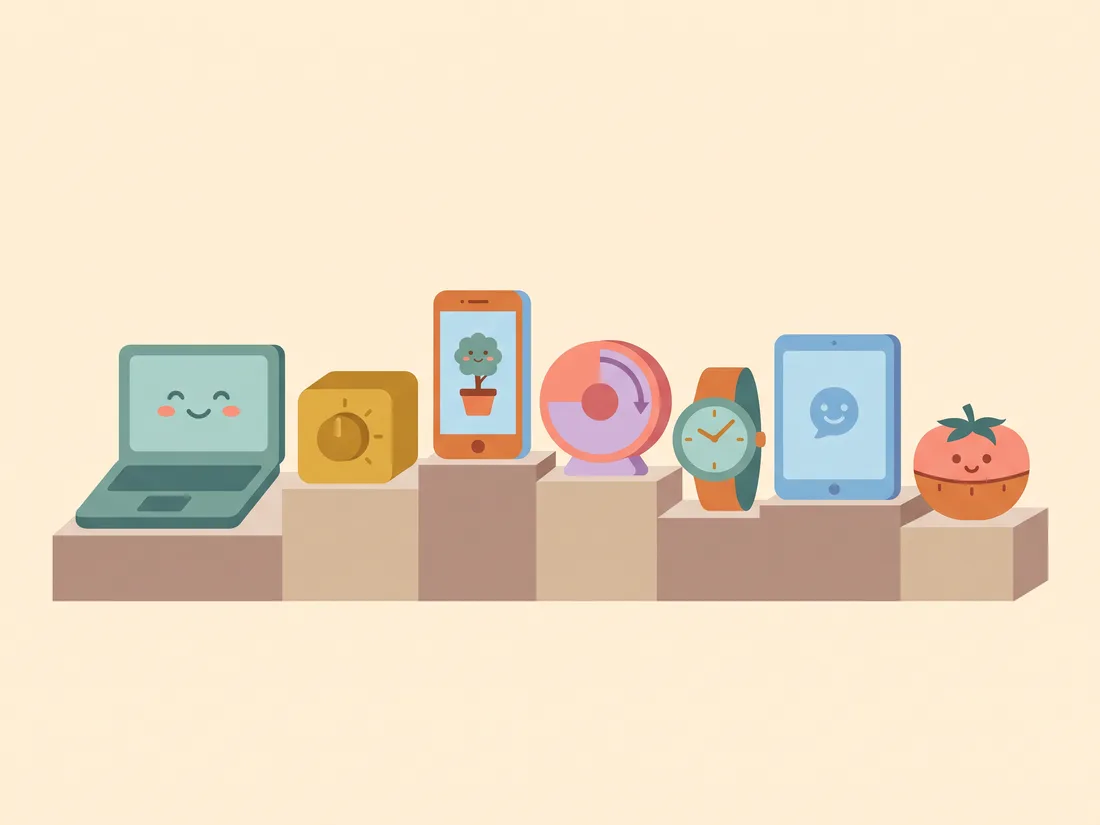
The best pomodoro timer picks, ranked
- 1. Pomofocus
Pomofocus is a pomodoro timer that runs in your browser, so there is nothing to install and nothing on your phone to distract you. You can change the focus and break lengths, pick alarm and background sounds, and add a short task list with an estimate of how many rounds each task needs. Premium features like reports and integrations are optional. Best for: Anyone who works at a computer and wants to start in one click.
Visit site - 2. Ticktime Cube
Ticktime makes flip timers with preset times built in, including 25 minutes on the Cube, and you simply flip it to start, pause or reset. No phone, no menus, just turn the side you want face up. It ranks high because it removes the biggest trap for many ADHD brains: unlocking the phone to start a timer. Best for: People who want a pomodoro timer they can touch and see on the desk.
Visit siteFind on Amazon - 3. Forest
Forest grows a small virtual tree while you focus, and leaving to use another app makes it wither. Its Deep Focus mode can block apps, and it works with the nonprofit Trees for the Future to plant real trees. The core timer is free on iPhone, iPad and Android, with a browser extension too. Best for: Phone scrollers who like a gentle, visual reward.
Visit site - 4. Time Timer
Time Timer is the classic visual timer: a red disk shrinks as time passes, so you can see how much is left at a glance without reading numbers. The MOD line comes in several lengths, and the Original comes in 8 and 12 inch sizes you can see from across a room. It is not a pomodoro timer in the strict sense, but a 30 minute block on a Time Timer works beautifully for focus rounds. Best for: People who need to see time to feel it.
Visit siteFind on Amazon - 5. Flow
Flow is a simple, ad free focus timer for iPhone, iPad, Mac and Apple Watch that alternates work blocks and short breaks. It can also block distracting apps and websites while the timer runs. The basic features are free with no sign up. Best for: Apple users who want a calm pomodoro timer that also blocks distractions.
Visit site - 6. TickTick
TickTick is a to do list with a pomodoro timer built in, so you can start a focus round right from the task you need to finish. It syncs across phone, computer, tablet and watch, and it has a free version. Turn off the features you do not need so it stays simple. Best for: People who want tasks and a focus timer in one place.
Visit site - 7. Focus To-Do
Focus To-Do pairs a pomodoro timer with a task list that handles due dates, reminders, subtasks and repeating tasks. Its reports show how much time you spent on each project by day, week and month, which some people find motivating. It works on Android, iPhone, iPad, Apple Watch, Mac, Windows and Chrome. Best for: People who like seeing their focus time add up.
Visit site

Common pomodoro timer questions
How long should I set my pomodoro timer for?
The classic rhythm is 25 minutes of work and a 5 minute break, with a longer break after four rounds. That is a starting point, not a rule. According to ADDA, shorter sessions can help you build momentum, so 10 or 15 minutes is a perfectly good place to begin, and you can stretch it once starting feels easier.
Is a physical pomodoro timer better than an app?
It depends on where you get pulled away. If you open your phone to start the timer and end up scrolling, a physical pomodoro timer on your desk keeps the phone out of the picture. If you like seeing your focus history or want distracting apps blocked, an app does more. Plenty of people use one of each.
Will a timer fix my focus problems?
A timer is a helper, not a cure, and this page is not medical advice. It can make starting and stopping easier and make time feel more real. If focus is getting in the way of work, school or home life, a clinician who understands ADHD can talk with you about what else might help.
This page shares practical ideas, not medical advice. Videos and articles belong to their creators; we link to them because they explain things well.